
.png?width=500&name=image%20(91).png)
I’ve always considered myself someone with a good sense of direction. Back in the MapQuest Days, I’d memorize the routes to all my friends' ...
Blog

The talented developers at Syncfusion recently posted an article titled Location Search Made Easy with Google Places and Blazor AutoComplete...
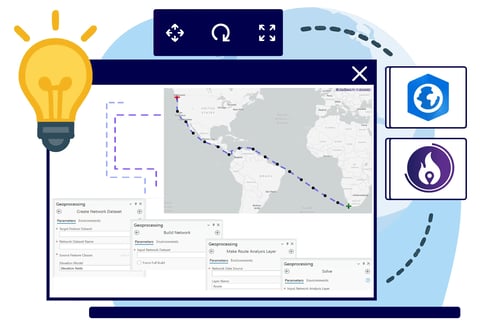
In today’s enterprise asset-management world, users expect more than start-and-end mapping. They need interactive, near-real-time routing wi...
.webp?width=500&name=A-Transformation-in-Location%20(1).webp)
Imagine transforming your .NET web applications with cutting-edge mapping capabilities. GeoBlazor 4.0 turns this vision into a reality.

If you're maintaining an existing ASP.NET MVC application and want to add rich, interactive maps, you're not out of options. You don't need ...